

More than 1,500 developer applications arrived in less than a week, Meta’s Chief AI Officer Alexandr Wang said (TechCrunch, September 23, 2026). That is the pull of the Muse connector platform. A Muse connector lets the Muse agent reach a brand’s service through an API or an MCP server. Muse Spark, the Meta model, powers that agent. The agent works with Google apps. This guide shows which tools a developer should expose to Muse and which to keep out.
What a Muse connector is and how a buyer request travels through it
What a Muse connector does for a buyer
A Muse connector gives the Muse agent a new ability, such as reading your Google calendar or Google Docs. Meta launched the Muse app with the Muse Spark model. That Spark model runs the agent. A buyer can connect Muse to a Google service in Settings. Mark Zuckerberg then opened the Muse connector platform to every developer. Meta Muse connectors make that agent a channel for brands. Each Muse connector reaches a service through an API key, an OAuth flow or an MCP server. A developer submits the API. Meta reviews the connector.
Built-in, directory and custom connectors: three classes under one word
Meta Muse connectors come in three classes. Built-in connectors link Muse to Meta products: Facebook, Instagram and Threads are connected automatically when your accounts share an Accounts Center. A directory connector is submitted by a business, reviewed by Meta and listed in Muse. A custom connector is different. Muse builds it for one user from a service’s API and Meta does not review custom connectors. A buyer can also ask Muse to create a custom connector. Credentials go into the Secure Credentials Store of Muse. For a brand this matters: your customers can already reach you through a custom connector, with or without your terms. Only the directory class gives you a review and a listing.
Sources: Meta Help Center and platform.muse.ai, read on November 16, 2026.
The path of one request, from buyer to your system
Follow one request. A buyer asks Muse for something your brand sells. Muse picks a connector. The Sentinel then filters what leaves Muse: Meta says "Nothing Muse does reaches the internet unless the Sentinel approves it" (Meta Newsroom, September 8, 2026). Your endpoint, an API or an MCP server, returns the data. Before a sensitive action Muse asks for user approval. A purchase runs through Link by Stripe with a single-use card.
You control step four: the data, the tools and the answers your system returns. Steps one, two, three and five stay with Meta and the buyer. Muse has no visibility into people’s passwords or payment methods. A custom connector skips Meta’s review and follows the same path.
Where buyers connect, approve and disconnect a connector
On the user side the flow is short. A buyer can connect a connector by asking Muse or link Muse to apps in Settings. Meta groups everything under Settings Connectors. The four steps in Settings are:
- Go to Settings, then tap Connectors.
- Tap Connect next to the connector and read the information.
- Tap Continue to authorize the connection.
- Follow any extra login or authorization steps.
How Muse works with connectors is set out in Meta’s help article, which also links to a page to learn more about approvals. By default Muse does not take important actions, such as sending an email, without approval. A buyer can disconnect at any time. Yet information already used "might still remain in Muse’s memories and your conversation history". Each connector carries its own terms of service and privacy policy. Your policy becomes part of the buyer’s decision.
Building and submitting a Muse connector: steps, review and requirements
Three steps: describe, submit for review, appear in the directory
The platform page at platform.muse.ai lists three steps. First describe your product and how users will use it. Then submit a connector for review through the button on the page: that is how to submit a Muse connector. You submit connector details and not code. Once approved, users find it live in the directory and "Editors will review connectors for featured placement" (platform.muse.ai, read November 16, 2026). Meta’s pitch is that you bring the API and Muse is the agent. It does not say who writes the connector once you submit. Developers who build a Meta Muse connector should not assume that Meta does it for them. The Muse AI platform page is a pitch and not a specification.
What Meta reviews: functional, security and legal requirements
Meta says it reviews each connector for functional, security and legal requirements and runs end to end testing (platform.muse.ai). The guidelines for building, submitting and operating API and MCP connectors list five sections. They are Core requirements, Tool permissions, Trust and integrity, Review process and Connector discovery. The review process covers a Risk assessment, a Tool review and End-to-end QA. We read only these section titles. The body of platform.muse.ai/docs returned a "temporarily unavailable" message on November 16, 2026. Read the full guidelines before you start building. Reviewed connectors only reach the directory after that check.
Did you know?
The Muse developer guidelines were unavailable when we checked on November 16, 2026. Only the section titles could be read, so review criteria and timelines still need Meta’s own text.
Technical requirements: HTTPS endpoint, MCP server, API key or OAuth
Meta’s guidelines cover "API and MCP connectors". Third parties fill in the detail. sprites.ai, a publisher that built a custom connector, says the endpoint must be a public HTTPS URL using streamable HTTP. Localhost cannot be reached from Meta’s cloud. The same source says an API key or a bearer token passes directly while OAuth took more back-and-forth for early testers. The Metric connector documents OAuth with PKCE, read and write endpoints and deletion previews (joinmetric.com). We found no standalone Muse connector API documentation, so treat the guidelines page as the closest source. A Muse MCP connector follows the same logic. These are reports and not Meta rules:
- A public HTTPS endpoint, either an MCP server or an API.
- An authentication method: API key, bearer token or OAuth.
- Public documentation of each tool, as Metric publishes it.
What the submission form asks you to provide
The team at satsuma.ai filled in the form and reports what it asks. We could not verify it because the form sits behind a login:
- A hosted MCP endpoint over HTTPS or an API URL with an optional OpenAPI file.
- Your website over HTTPS.
- A privacy policy and terms of service reachable without a login.
- A support contact and a 512 by 512 icon in PNG or SVG.
- A professional email address.
The guidelines also carry a submission status section. Prepare these documents before you submit. A missing privacy policy is a business problem before it is a technical one.
What Meta has not published: fees, revenue share and review timeline
As of our reading on November 16, 2026 the sources show no fee, no revenue share, no review timeline and no developer terms. cellcog.ai noted the gaps on September 19 and studeria.fr repeated them on September 23. Mark Zuckerberg said Muse stays free for a huge number of tokens and that Meta expects "a small fee from transactions" (TechCrunch, September 23, 2026). Payments run on Stripe Link: Meta says it partnered with Stripe on payments through Link. A business cannot model its cost of entry yet.
Permissions: which tools a brand should expose as read, act or never
How Meta separates retrieving data from taking actions
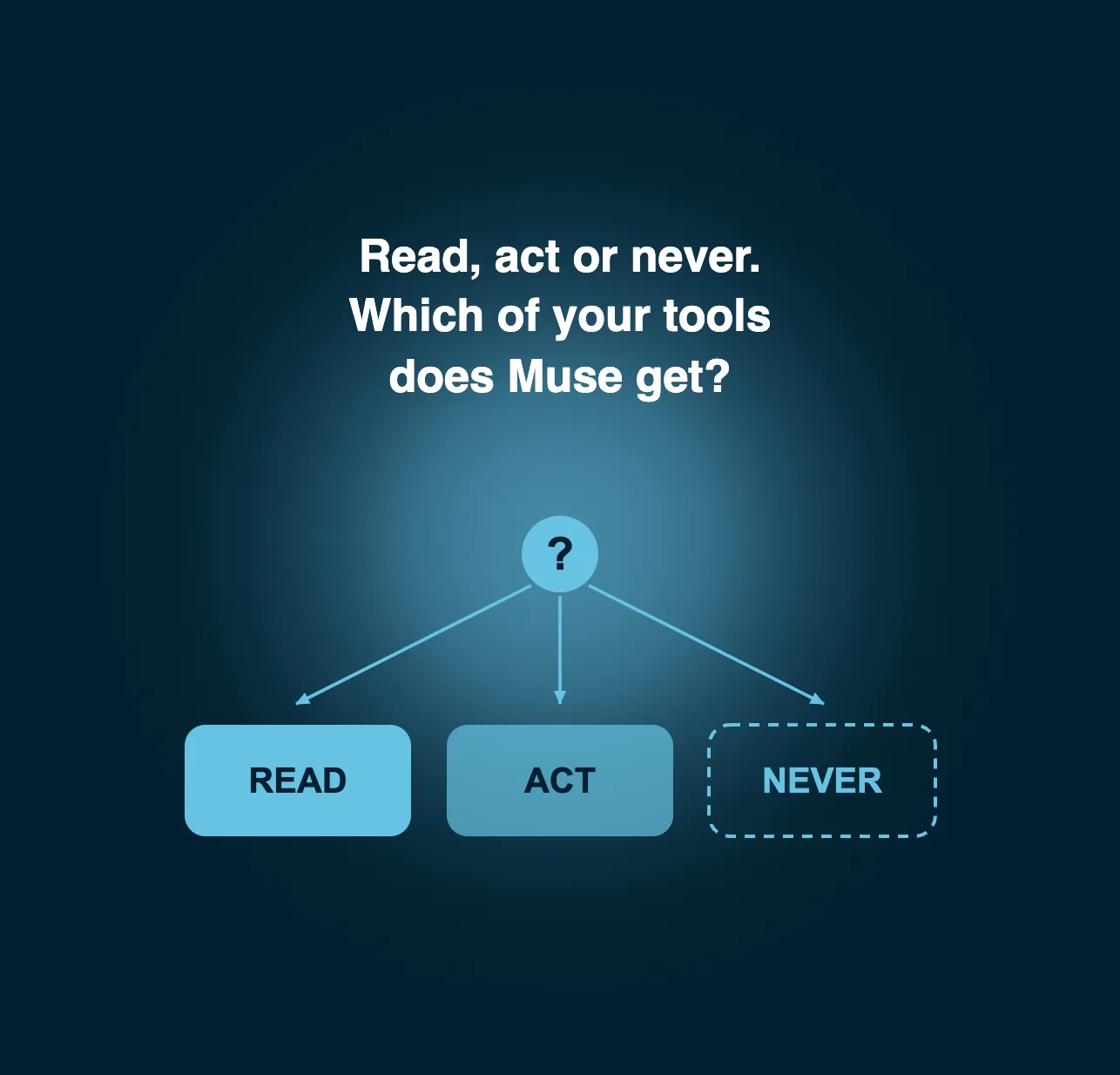
Meta draws the line itself. Its help center says many connectors can be set up so that Muse is only able to retrieve data and not take actions. Its example is sending a calendar invite. By default Muse asks for approval before important actions and the user can change that in Settings. The developer guidelines echo it in four section titles. They read Offer read-only account access, How tools are classified, Permission choices and Respect the scope of approval. The permissions for Muse connectors start with one question per tool. Does it read or does it act? The user then decides how to grant access.
Why the read or act line weighs more on a high-value purchase
This is our reading and not a Meta statement. On a short basket a wrong answer costs one return. On a high-consideration purchase the cost is higher: a wrong quote, a held option that was never available or a booking changed by mistake. In practice the damage comes from the action tools but the read tools set it up. An agent that reads a wrong price proposes the wrong action with confidence. Treat the read tools as a source of risk and not as a safe default. That is the classic trap.
Classify your own tools: a read-or-act grid for your sector
Use the read-or-act grid to classify the tools your brand would expose. Pick your sector first: travel, real estate, automotive retail or hospitality. The grid then lists nine typical tools, from searching the offer to accessing the customer account. Each tool gets one of three classes: read only, action with the user’s approval or not exposed. The grid also flags the personal data a tool needs and the risk if your product data is wrong.
The result is indicative. The classes follow our editorial rules and not a Meta scale. Read the summary as a first input for your team: the product owner, the legal lead and whoever owns the API. Settle the classes before you discuss any build. Then compare them with the guidelines once you have the full text.
Tools that should stay out of the connector
Some tools should not leave your system. Meta’s guidelines carry sections titled Finance Connectors, Transactions, Prohibited tools and Incident response. Muse has "no visibility into people’s passwords or payment methods". A purchase uses a single-use card through Link by Stripe (Meta Newsroom, September 8, 2026). Keep three tools out of a first version:
- Direct access to the customer account and its personal data.
- Payment of a deposit outside Link.
- Any change that cannot be undone, such as cancelling a booking.
Expert tip:
Start with two read tools and one action that needs approval. Review the security and legal requirements with your legal lead before you add anything that touches a customer account.
Who is connecting, what is missing and what comes next
The connectors Meta has named so far
Meta has never published a fixed list. Alexandr Wang named Gmail, Google Calendar, Google Docs, Outlook, Plaid, OpenTable, Spotify, Function Health, Withings, Tailscale and Peloton on launch day (cellcog.ai). Instagram, Threads, Facebook and Messenger connect only to Muse. Apple Health and Android SMS are managed in device settings. The Connect 2026 newsroom post also names Notion, Granola, GitHub and Box. Third-party trackers count between 64 and 79 connectors. sprites.ai said Meta Ads was added and Google Ads was not built in (October 2026). Which apps work with Muse today? Treat any total as a snapshot.
Retail first: what the Connect 2026 partner list shows
At launch Meta cited "dozens of partners along with access to the entire Shopify catalogue". At Connect on September 23, 2026 Meta named ten retailers: Walmart, Best Buy, American Eagle Outfitters, DICK’S Sporting Goods, Fanatics, Gap, Michael Kors, Sephora, Ulta and Wayfair. It added Shop Pay and PayPal. Instacart is on the list too (Meta Newsroom). Nearly every name is a retailer. The buyer usually knows the product and the agent completes the checkout. The question is what happens when the buyer does not know yet.
Travel is announced, real estate and automotive are absent
Travel appears once: Expedia is "coming soon" (Meta Newsroom, Connect 2026). In the primary sources we read on November 16, 2026, we found no real estate connector and no automotive connector. That is a finding about those sources and not proof that none exists on Muse. It still shows where the first Muse connector partners sit: in retail. In our reading the first live connectors serve buyers who already know the product.
Where Muse is available and where it is not
Muse launched in the United States on September 8, 2026. It reached Canada on September 18 and Singapore in October 2026 (Meta Newsroom). We found no announcement for France or the European Union as of November 16, 2026. For a European brand this is a US-first topic. Do the readiness work now if you sell to US buyers. Treat a European launch as a signal to watch and not as a date.
Availability as of November 16, 2026: United States, Canada and Singapore. No announcement for the European Union.
What would change this reading
Four signals would change our reading:
- Meta publishes fees, a revenue share or a review timeline.
- Muse opens outside the United States, Canada and Singapore.
- Travel, real estate or automotive connectors go live.
- The tool annotation step, marked "coming soon" in the guidelines, ships.
More than 1,500 applications in under a week suggest the shelf will fill fast (Alexandr Wang, via TechCrunch). The Muse connector platform is only two months old. The Meta Muse connector future depends on these four signals.
Why connectors announced so far cannot carry a complex purchase
The announced connectors are transactional. They help a buyer who knows what to buy. A complex purchase works differently. Imagine a buyer who asks Muse which trip suits four people with flexible cancellation. Another asks which new home fits a family and a budget. This is a hypothetical example. The agent can answer correctly only if your endpoint exposes unified product data and business rules. Without them it improvises and the customer blames your brand.
Source: Meta Newsroom, September 2026. Reading as of November 16, 2026.
The table is our grouping of Meta’s list. Retail has connectors. Travel has an announcement. Real estate and automotive have nothing in the sources we read. That gap is where an agent faces the hardest questions with the least structured data. The Muse AI agent, like any other agent, needs a layer of knowledge behind the connector.
Kleio: the knowledge layer behind an agent-facing endpoint
Why the data behind the endpoint decides the answer
Kleio has announced no Muse connector and no integration with Meta. The principle holds for any agent that questions a brand: it repeats what it reads. When attributes, prices and rules differ between systems, the buyer’s agent answers wrong. We solve the data problem before we deploy any AI agent. The Knowledge Engine of Kleio splits catalog data into three purpose-built stores for product, document and memory with a separate governance layer. Our explainer on MCP and A2A for enterprise AI search shows how that data reaches agents.
Governance: who may read what and under which rules
Governance decides what an agent may read and what it may do. Kleio applies per-operation RBAC so each agent holds only the access its job requires. Configurations are versioned configs and rule changes are tracked. Sensitive fields are pseudonymized before any call to an external model. The platform is SOC 2 compliant and tenant-isolated. It is the same read or act discipline as the grid above, applied inside your own stack. The Kleio products page details the platform.
MCP and UCP: the agent-facing surface Kleio already runs
The third surface of Kleio, AI Agent Facing, exposes your product catalog to AI search engines such as ChatGPT and Gemini through MCP and UCP. Whatever agent comes next, Muse included, meets the same requirement: governed data behind one access point. OpenAI dots raise the same readiness question on another agent. The agentic commerce protocol guide covers the payment side.
Orpi: a complex journey already in production
Orpi runs a complex journey on Kleio. The platform is live on Orpi.com and in each of its 1,250 agencies for 8,000 advisors. Real estate is a purchase type the Muse connector list does not cover today. It is also where the question "which property fits this buyer" needs governed data and not a plausible guess.
"[...] the platform is live, on Orpi.com and in each of our 1,250 agencies." Guillaume Martinaud, CEO, Orpi