

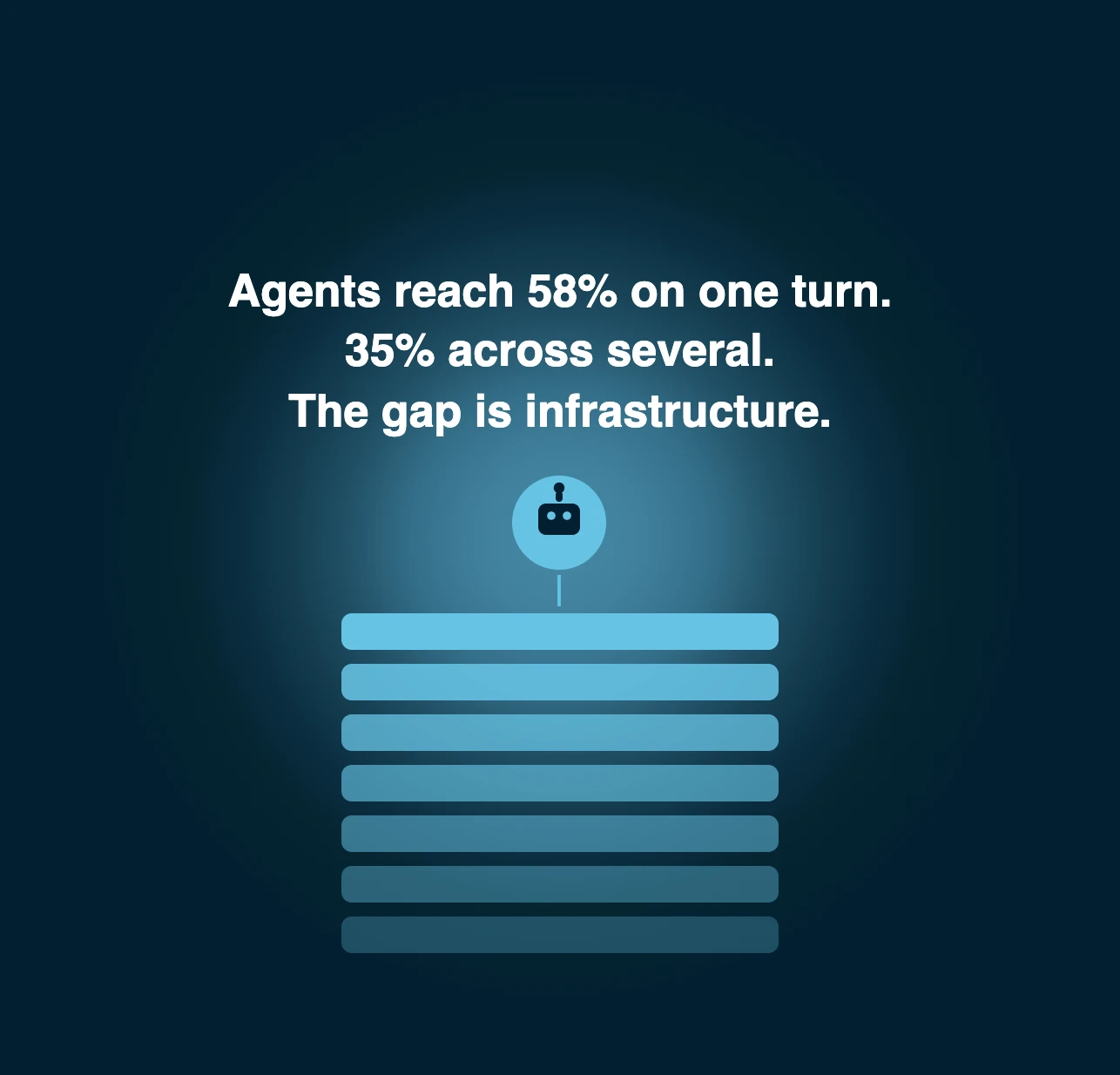
An AI agent platform decides whether enterprise agents survive production. Salesforce measured leading LLMs at about 58% success on one CRM turn and 35% across multi-turn tasks. The gap sits in the infrastructure around the LLM: tool integration, memory, guardrails and agent behavior under load. This guide splits agent platforms into seven layers. Your team can then compare each visual builder, the agent frameworks and enterprise custom pricing before choosing between build and buy.
What an AI agent platform is and what it is not
What an AI agent platform does
An AI agent platform is software that lets a team build, run and govern autonomous agents that call a tool through an API and act on business data. It supplies model access, workflow automation, memory, agent orchestration, knowledge bases, audit logs and MCP servers that a raw language model lacks. That holds for a visual builder, a code framework or a cloud hosted service. Key features differ by vendor. Gartner Peer Insights lists this market as AI agent development platforms.
Think of it as the production layer between a model and a business process. The model reasons. The platform decides which sources the agent may read, which tool it may call, what it remembers and who can audit the result. Without that layer each team rebuilds the same plumbing for every new application. No one can explain afterwards why an agent acted as it did.
Four families of AI agent platforms
Most vendors fall into one of four families. Each one trades control against effort and each has its pros and cons. Teams that want a shared workspace for configurations should check that early.
- No-code agent builders offer a visual builder and ready connectors. Pros: speed on a pilot. Cons: limited control in production.
- Visual low-code workflow tools wrap agent steps inside deterministic flows. Pros: predictable execution. Cons: rigid when a task drifts.
- Code-first agent frameworks such as LangChain, LangGraph or CrewAI give a Python developer an SDK. Pros: full control. Cons: your team owns every layer.
- Hyperscaler stacks from Google, AWS and Microsoft sell cloud components that your team assembles. Pros: scale and security. Cons: heavy integration work.
A fifth group is made of vertical platforms. They ship the information model and workflows of one industry. Kleio belongs there. Shortlists often mix families without saying so, which makes prices and key features impossible to compare. For the interface layer that sits on top, read our guide to the conversational AI platform.
Why the model alone is not enough
Salesforce AI Research built CRMArena-Pro in 2025 to test agents on realistic CRM tasks. Leading LLMs reached about 58% success on a single turn and only 35% in multi-turn settings. Workflow execution proved more tractable, with top agents above 83% on a single turn. The failures come from context rather than raw intelligence.
That result explains why a platform exists. Multi-turn work needs memory that survives each step. It needs tools that return clean records and an evaluation loop that catches regressions. If you want the wider concept first, our guide to agentic AI covers why so many projects stall.
Spotting agent washing in a vendor shortlist
Gartner warned in June 2025 that few vendors marketing agent products offer real agentic capabilities. It calls the rest agent washing: scripted automation and basic assistants under a new label.
Did you know?
Gartner counts only about 130 genuine agentic AI vendors among the thousands that claim the label.
You can screen a shortlist with three tests. Ask the vendor to show an agent choosing between two tools at run time. Ask for the trace of that choice. Then ask what happens when the tool returns an error. A vendor with a real platform answers with logs and a technical walkthrough that a developer on your team can follow. This is a platform to understand before you scale it. A shared community forum does not replace that proof. A vendor selling a rebrand answers with a slide.
No-code builders: where they stop in production
No-code AI agent platforms earn their place. A visual builder lets an operations team ship a first agent in an afternoon and the learning curve stays short. For internal tasks with low risk that is often the right call.
Production adds infrastructure demands that drag-and-drop rarely covers. You need role-based access per operation, versioned configurations, rollback and audit logs. You also need evaluation on multi-turn tasks and a way to move agents between development and production environments. Ask how each of these works before you commit. Ask what customer support looks like at 2 a.m. when an agent misbehaves, because enterprise support tiers differ. Vendors that sell enterprise tiers on a no-code core often add these controls later, so check which ones exist today rather than which are on the roadmap.
The seven layers of an AI agent platform
The seven layers at a glance
An AI agent platform is easier to judge once you split it into layers, because the key features of AI agent platforms map onto them. The diagram below lists seven of them with the question to ask a vendor and the risk if the layer is missing. Use it as a checklist during demos. Note which layers a vendor covers natively and which your team would have to build.
Each layer below explains what good looks like and what to test during a demo.
Layer 1: data and knowledge
Every agent answer starts from data and from the knowledge your company already owns. This layer holds the catalog, documents and business rules that agents query through knowledge bases and structured stores. A platform that treats information as your problem leaves your team to unify pricing, availability and policies across dozens of systems before the first agent runs. Core systems such as the CRM and the catalog must expose clean records to your other systems.
Test it with a question the vendor did not prepare. Enterprise search over documents is not the same thing as grounded reasoning over a catalog. Ask which sources the agent may cite and how updates propagate. Ask what the agent does when no approved source answers. Grounding on approved sources is the first defense against invented answers. It matters most where one wrong price loses a sale.
Layer 2: model gateway and BYOM
The model gateway decides which language model serves each request. Bring your own model, known as BYOM, means you can use Claude, Gemini or an OpenAI model from the same platform and switch when cost or quality changes. Without it the vendor’s choice becomes your lock-in.
Check three points. Can you route routine requests to a cheaper LLM and hard ones to a stronger one? Does the platform mask sensitive fields before any call to an external provider? Can you pin a version so agent behavior does not change overnight? These controls turn an upgrade into a planned release instead of a surprise. Compare performance and cost for each route before you commit.
Layer 3: orchestration and routing
Orchestration decides which agent acts next and how work moves between agents. Agent orchestration covers routing, handoff and retries. It also covers the choice between a deterministic workflow and an autonomous agent.
Deterministic workflows run the same steps every time. They suit refunds, approvals and any task where the path is known. Autonomous agents pick their own steps, which helps on open questions but costs more and varies more. A mature platform lets you mix both in one workflow automation. An agent handles the judgment call while a fixed flow handles the payment. Good judgment on when to switch between the two is a design skill. Execution logic should stay visible to your team. Ask how a new agent joins an existing flow without retesting everything else. Also ask how execution is paused for human review and how a failed step restarts. A human should be able to approve or reject a step, and each human decision should be logged.
Layer 4: tool calling and MCP
Tool calling is how an agent acts on the world: query a database, create a quote, update a CRM record. Each integration becomes a tool with a name, inputs, permissions and an API contract. Tool integration quality decides execution reliability.
The Model Context Protocol (MCP) standardizes how agents reach those tools. In December 2025 Anthropic donated MCP to the Agentic AI Foundation, a directed fund under the Linux Foundation, so the standard now has neutral governance. That makes support for MCP servers a purchase criterion rather than a bonus. For a deeper look at how commerce protocols fit together, read our guide to the agentic commerce protocol. Use a managed connector for each API. Test that each API call authenticates through your identity provider and that it can integrate with your directory and that an agent can connect to it safely. Check support in the vendor’s own documentation and ask which tools can write as well as read. An agent that only reads still hands the work back to a human. On the other hand an agent that can write needs tighter permissions. Hand off rules matter in both cases.
Layer 5: memory and state
Memory keeps an agent coherent. Session memory holds the current conversation and the intermediate results of a task. Long-term memory stores preferences and past decisions across sessions and channels.
Without state an agent asks the same question twice and loses track of a multi-step task. That is exactly where multi-turn scores fall. Ask where memory lives, how long it is kept and who can read or delete it. Retention rules matter for privacy review. Memory is also a costly resource when it grows without limits. Also ask whether memory is a separate store or a prompt stuffed with history. The second design grows costly and unreliable as conversations lengthen.
Layer 6: guardrails and governance
Governance is the layer that builds trust with a risk team and lets it say yes to automated business processes. It combines role-based access control applied per operation with versioned configs and audit logs. It also brings human-in-the-loop approval for sensitive actions.
Regulation is moving the same way. Healthcare and finance buyers feel it first. The EU AI Act has applied to general-purpose models since 2 August 2025. According to law firm Gibson Dunn’s reading of the Digital Omnibus agreement, obligations for stand-alone high-risk systems move to 2 December 2027 and those for systems embedded in regulated products to 2 August 2028. Traceability will be expected rather than optional. Keep a separate staging environment and a production environment, with a different approval path for each environment.
Expert tip.
Ask the vendor to show on one screen who changed an agent’s configuration last Tuesday and what that change altered.
Layer 7: observability and evaluation
You cannot govern what you cannot see. Observability records a trace for every agent run: each model call, each tool call, each decision and its cost. Evaluation then scores those runs against expected outcomes and runs regression testing after each change. Traces also expose the reasoning steps behind a wrong answer. Use the traces for performance optimization and for a quick overview of where agents lose time.
OpenTelemetry maintains a repository of semantic conventions for generative AI, including spans for agent invocation and tool execution. They remain in development, so treat them as a direction rather than a guarantee. In practice, ask whether traces export to your own monitoring stack. Ask whether evaluations cover multi-turn tasks. Given the 35% multi-turn result above, a platform that only tests single prompts measures the least demanding part.
How to evaluate an AI agent platform
Ten criteria that break in production
Choosing an AI agent platform starts with weighting these ten criteria by your own risk. Selecting AI agent platforms then means scoring each vendor from zero to five.
- Grounding on approved data
- Role-based access per operation
- Versioned configs with rollback
- Tracing per tool call
- Multi-turn evaluation
- MCP support
- BYOM and model pinning
- Tenant isolation
- A transparent pricing model
- Time to a first production release
Share the scorecard result with your technical team to learn where vendors differ and to understand why. Contact two reference customers per finalist. The first five carry the most weight because they decide whether an agent can be trusted. The last five decide whether it can be operated and afforded. A vendor that cannot answer two of the first five in a demo is not ready for an enterprise team.
Score your shortlist in two minutes
Reading criteria is one thing. Applying them to your own context is another. The scorecard below asks ten closed questions about the vendor you are evaluating. It weights your answers and returns a score out of 100. It also suggests the platform family that fits and three questions to take into your next call. Nothing you enter leaves the page.
Treat the result as a starting point for your shortlist rather than a verdict. The three questions it returns are the ones your own answers make most urgent.
Three questions to put in every RFP
Close the evaluation with three questions that expose the gaps a demo hides.
First, show a trace of an agent that failed on a multi-turn task and explain how the cause was found. Second, show who approved the last change to a production agent and how to roll it back. Third, price your expected volume with the loops and retries a real workflow produces rather than a clean-path estimate.
Vendors that answer with live screens deserve a month-long proof of concept. Vendors that answer with architecture slides deserve a second look at your shortlist.
Run a proof of concept on your own data
A proof of concept should resemble a Tuesday afternoon rather than a launch event. Getting started takes a week of preparation if your own team picks the test set. Collect fifty real conversations or tasks from your own systems including the messy ones. Time spent on this step saves time later, and it should include a customer who changes their mind mid-conversation. Replay them against each finalist in multi-turn form. Score the outcome on correctness, tool use and cost.
Define exit criteria before you start: a minimum correct-outcome rate, zero actions outside the agent’s permissions and a cost per completed task you can budget. Run the same set again after an upgrade or configuration change to see how stable agent behavior is. That second run takes little time once the set exists and it tells you more about production than the first. Spend that time before signing rather than after.
AI agent platform pricing and build vs buy
Five pricing models, compared
Vendors bill an AI agent platform in five main ways. The unit they choose shapes your risk. Per-conversation pricing charges each exchange, which stays predictable until conversations get long. Per-action pricing charges each tool call or task step, so every action counts. Usage credits convert model calls and actions into a prepaid currency. Consumption pricing bills the compute an agent actually uses. Enterprise custom pricing is a quote built on volume, scope and governance requirements.
Public examples show the range of the cost of AI agent platforms. At the May 2025 launch of Flex Credits, Salesforce priced an Agentforce action at 20 credits for $0.10. Microsoft lists Copilot Studio at $200 per month for a pack of 25,000 credits per month, with pay-as-you-go at $0.01 per credit. AWS bills Bedrock AgentCore on consumption with no minimum fee, so cost tracks actual compute. Check each vendor’s current pricing page before you budget because these grids change.
What makes the bill explode
A unit price tells you little until you simulate a real run. At $0.10 per action a task with six tool calls costs $0.60 on the clean path. Add two retries after a timeout and one extra loop where the agent rereads the same record. The same run now costs $0.90, a 50% drift on a hypothetical but ordinary run. Multiply by thousands of runs per month and the forecast moves by a factor nobody budgeted.
Three patterns drive that drift: loops where an agent repeats a step, retries on unreliable tools and context that grows with every turn. Ask vendors for the price of a pilot month and for a cost per completed task measured on your proof of concept rather than on a demo. Then set budgets and hard stops per agent in the platform itself. Add an alert before the ceiling and add a review step for any action above a threshold. Add that rule to the contract too. A team spending $5,000 per month on actions needs a ceiling per month for each agent and an alert before it is reached.
Costs that never appear on the license
License lines cover the platform. They rarely cover the work around it. Budget for four more items.
Integration means unifying catalogs, documents and rules so agents can use them. Evaluation means building test sets and rerunning them. Observability means storing traces and routing alerts to your team. Run means on-call time, configuration changes and model upgrades.
Contracts add a timing question. Plans billed monthly give flexibility but cost more per unit, so compare the monthly cost of each option over a full month of real traffic. Annual commitments lower unit prices and lock you in. Vendor cloud hosting means less infrastructure for your team and more dependence on the vendor’s roadmap. Self-hosting shifts that balance and brings operations work. Put each item in your total cost of ownership before you compare quotes.
Build vs buy: what a platform replaces
Building on hyperscaler components or on frameworks like CrewAI such as Google’s Vertex AI, AWS Bedrock or Microsoft Azure AI Foundry gives you control over each component. It also gives your team the work of integrating sources, memory, governance and evaluation. Then your team maintains each piece as models and protocols change.
Buying shortens that path but brings a vendor dependency on someone else’s infrastructure. The honest comparison counts engineering months rather than invoices. A scarce engineering resource is the real cost of building. A team with strong platform engineers and a narrow use case may build well. A team that needs agents across several journeys with audit requirements usually spends more time on the surrounding layers than on the agents themselves. Use the seven layers as a ledger. A built-in layer saves months but a built-in weakness stays with you for years. For each one, mark whether you would build it, buy it or accept the vendor’s version.
Where Kleio fits: a vertical platform for complex, high-value sales
Solving the data problem before the agent
Most platforms on the shortlists above start with the agent and leave the information problem to the customer. Kleio starts from the opposite end. Its knowledge layer spreads a catalog across three purpose-built stores for product, document and memory content. A separate layer handles configuration and governance. The design goal is that an agent answers a complex query from approved sources rather than from LLM memory.
That approach fits sales where the buyer rarely knows what to ask: travel, real estate and automotive retail. Each of these sales is complex, each customer arrives with vague needs and each sales advisor needs the same grounded view of the catalog and the customer. Each industry has its own ontology because travel is not automotive and real estate is not wholesale. See the Kleio platform for the full stack.
Governance built into every operation
Kleio applies role-based access control per operation and keeps agent configurations versioned. A change can therefore be traced and rolled back. Sensitive fields are pseudonymized in the flow before any call to an external provider. The platform runs tenant-isolated and is SOC 2 compliant.
In layer terms that covers layers 1 and 6 natively rather than as options. For a CIO or CTO the evaluation shifts. Instead of asking whether governance can be added later you ask whether the existing controls match your policies.
What it looks like live: Orpi
Orpi, a French real estate network, runs the platform on orpi.com and across its 1,250 agencies. It serves 8,000 advisors. Orpi’s CEO Guillaume Martinaud said the platform went live in three months and uses the richness of Orpi’s records to serve clients and advisors. Read the Orpi case study for the full account.
The use cases for AI agents in these journeys are concrete. Agents guide an undecided buyer through a large catalog, qualify the lead and hand over to an advisor with context. Travel groups Havas Voyages and Selectour also deploy Kleio for advisors and customers. Each company starts from its own catalog and rules. These results come from a vertical scope: one industry, one ontology and one governance layer.
When Kleio is not the right choice
Kleio is not a horizontal agent builder and it is not a simple wrapper around an LLM. It is not a no-code tool for every team size and it offers no self-serve plan or free tier. Deployment is guided by the Kleio team for large enterprises with complex, high-value sales and long customer journeys. It is not a CRM either, since it connects to the one you already run.
If you need to automate email triage this week a no-code builder fits better. If your agents must reason over a large catalog with prices, availability and constraints while a risk team must approve them, a vertical platform deserves a place on your shortlist. Bring your own catalog to the first demo.